Plan a Big Project From Start to Finish

- Plan a big project by defining what done looks like, then working backward into milestones.
- Give the project its own section with a one-page overview and a running notes page.
- Each week, choose only the next one to three steps and schedule them.
- A short weekly review keeps momentum and catches problems early.
- A refillable planner lets the project section grow and change as the work does.
You can plan a big project in a paper planner by defining what “done” looks like, breaking it into milestones and scheduling just the next few steps each week. Big projects feel overwhelming when they live as one huge task in your head. On paper, they become a path.
Step 1: Define done
At the top of a fresh page, write one sentence: what will exist when this project is finished, and roughly when. “A renovated spare room by spring.” “A finished portfolio by the end of the quarter.” This sentence is your compass whenever the details get noisy.
Step 2: Name the milestones
List the four to six big stages between today and done. Work backward from the finish date to give each a rough target. For a longer horizon, pair this with Plan Your Quarter Without Overwhelm.
Step 3: Build a project section
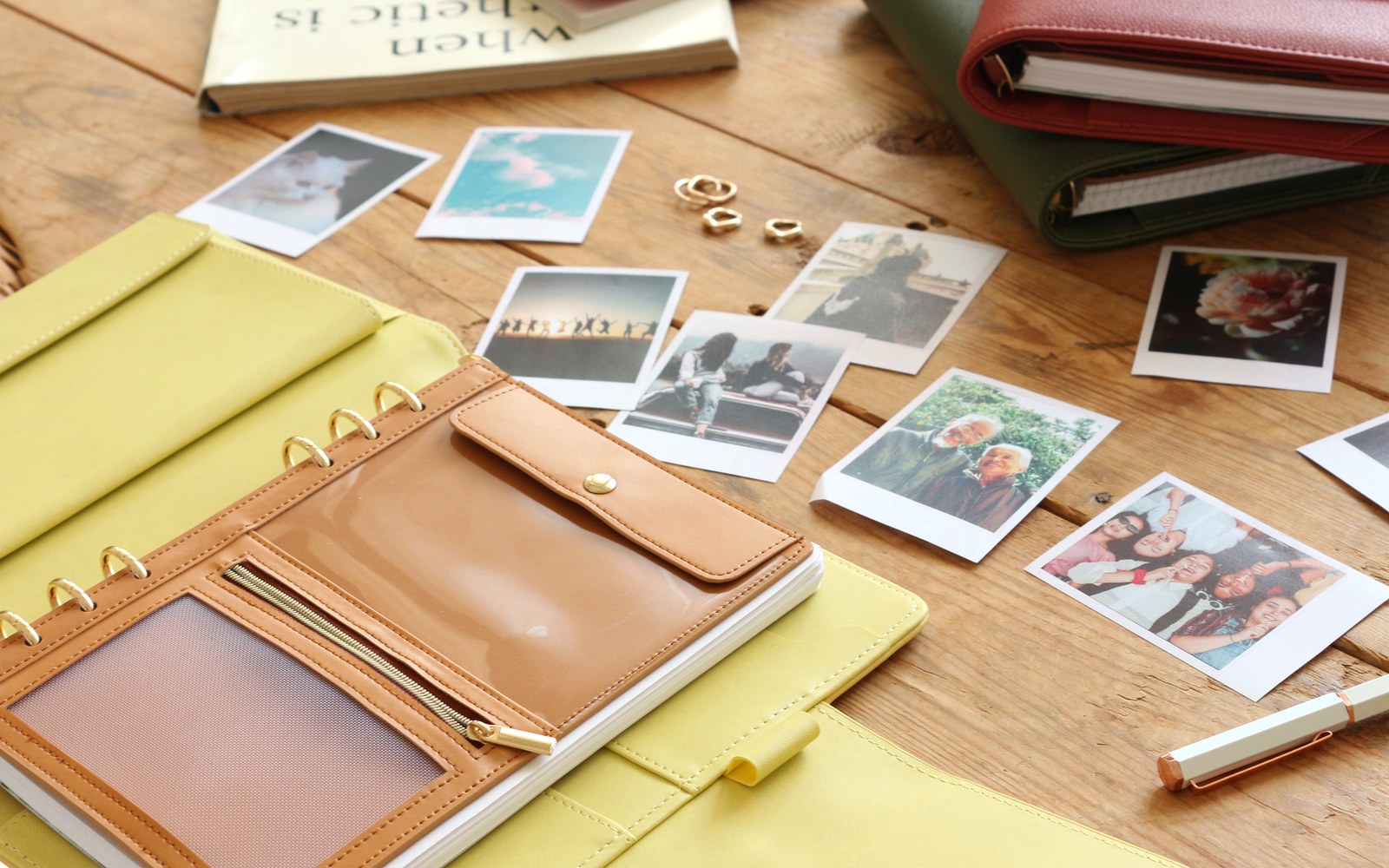
Give the project its own section in your planner:
- Overview page — the done sentence, milestones and dates.
- Notes page — decisions, contacts, ideas and questions as they come up.
- Parking lot — good ideas that do not belong in this version.
A refillable planner lets this section grow, shrink or be replaced as the project changes. See Why Choose a Refillable Planner?

Step 4: Plan only the next steps
Each week, choose one to three concrete actions and write them on your weekly page, next to the rest of your life. Small, scheduled steps beat a long list you never start. If your week is already crowded, How to Plan a Busy Life shows how to make room.
Step 5: A ten-minute weekly review
Look at the overview. What moved? What is blocked? Does a milestone date need to shift? Adjust honestly and choose next week’s steps. Momentum comes from this small loop, not from perfect plans.

A companion for the long haul
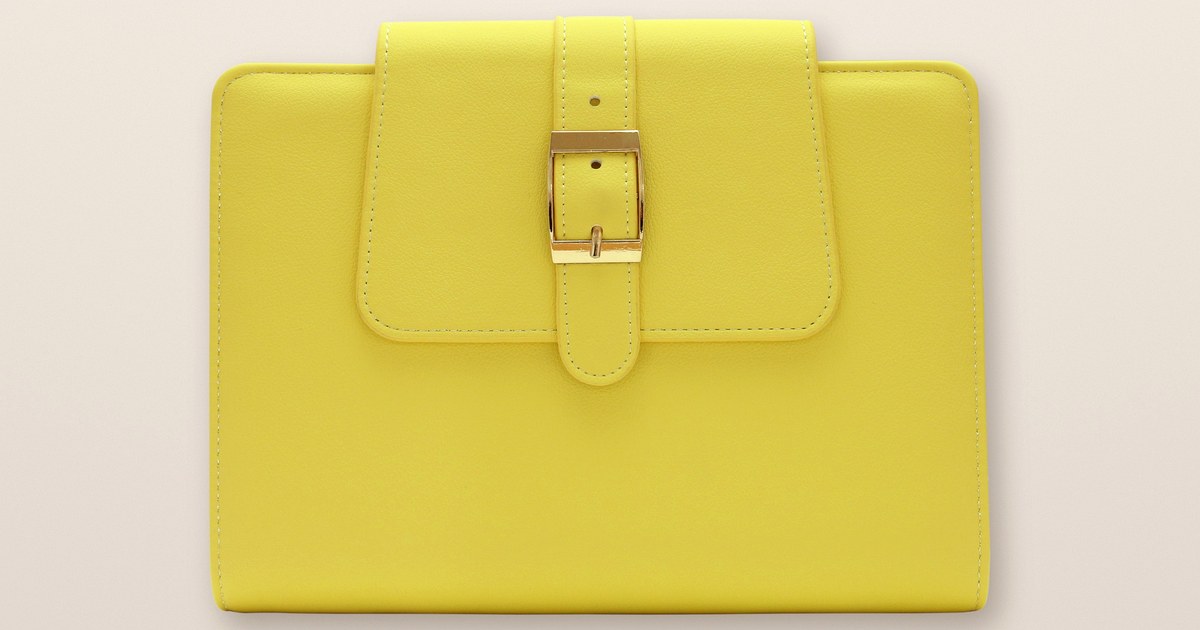
If you love clear sections, The Belt is designed around flexible organization. For creative projects with ideas arriving at all hours, L’Éclair keeps sparks close. Compare them in Belt vs L’Éclair.
Where to find EGOSUNNY
Confirm the latest details on the official product page for your market before you buy — sizes, materials, page counts, accessories and colors can differ by version and region. Availability varies by marketplace and season; use the listing for your region for current options.
Define done, take the next step and let the project grow page by page.